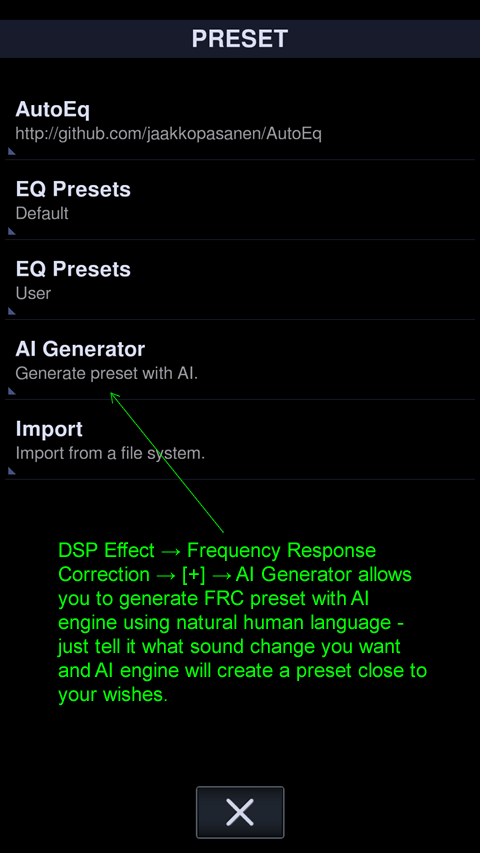
Neutron's AI generator can create EQ presets and FRC (Frequency Response Correction) presets from a description in plain language. Instead of adjusting bands by hand, you tell the AI what you want, for example:
- "warm sound with more bass for jazz"
- "reduce harsh treble, I listen at night at low volume"
- "correct the frequency response of my Sennheiser HD 600"
- and so on.
How it works
- Your request is analyzed. Your description is sent to the Google Gemini 2.5 Flash AI engine.
- The AI draws on its own knowledge. The engine uses its general knowledge of music, genres, sound characteristics and audio equipment to interpret what you asked for.
- A preset is created. The AI generates an EQ or FRC preset that matches your description. You can then apply it, listen, and fine-tune it like any other preset.
EQ or FRC?
EQ presets shape the sound to your taste, such as more bass, a softer treble or a clearer midrange. FRC presets are meant to correct the frequency response of your audio device, such as headphones, towards a more balanced result.
Token-based service
The Google Gemini 2.5 Flash AI engine is a commercial service, so AI generation requires tokens ("Tok"). Tokens reflect the amount of work the AI engine does for each generation. You can buy tokens (1 million tokens = 1 MTok) from the developer to your NeutronID (How do I create a NeutronID?) via PayPro: Addons. The cost in Tok is shown before it is deducted from your NeutronID balance.
How to use it
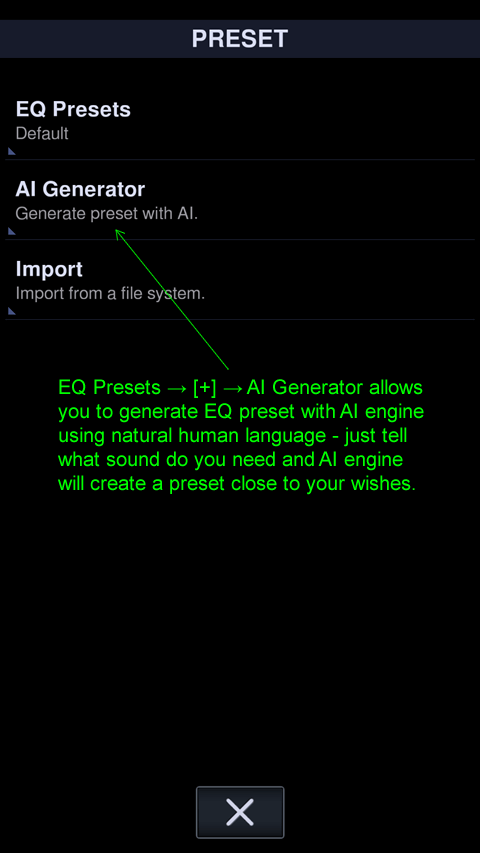
To generate an EQ preset, go to EQ Presets → [+] → AI Generator.
To generate an FRC preset, go to FRC DSP → [+] → AI Generator.